
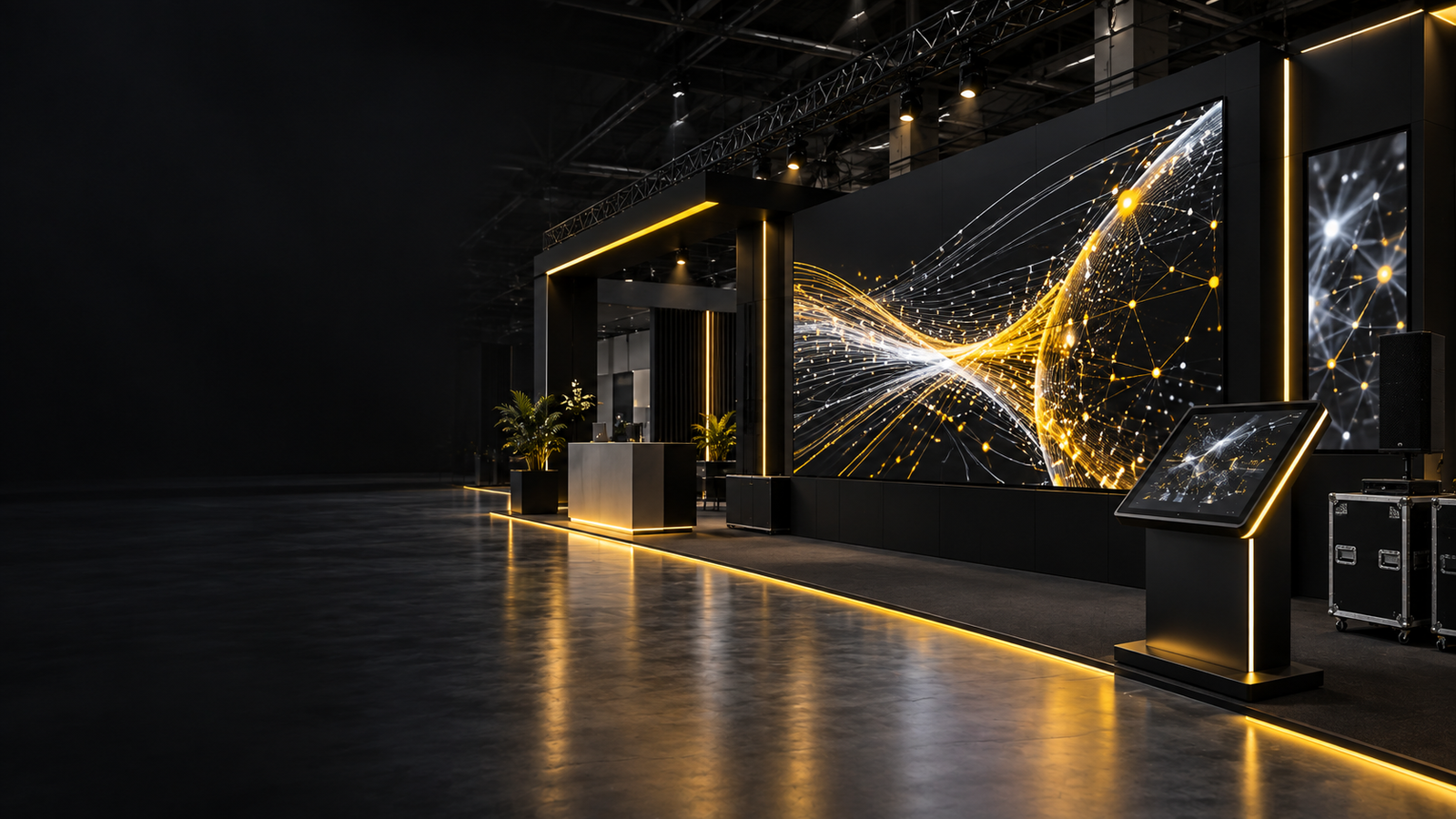
GITEX GLOBAL 2026 AV Rental in Dubai for LED Walls, Touchscreens and Exhibition Support
Planning GITEX GLOBAL 2026 AV rental in Dubai starts with the confirmed event schedule. The GITEX Summit is scheduled for 7 December 2026, followed by the four-day exhibition from 8 to 11 December at Dubai Exhibition Centre in Expo City Dubai.
Exhibitors planning an LED wall, television, touchscreen, sound system or technical crew should coordinate the AV package with the approved stand design before the equipment and content are finalised.
For exhibitors, agencies and stand contractors searching for a local AV partner, AVRIX provides equipment rental, delivery, installation, testing and technical support for exhibition stands across Dubai and the UAE.
Support can be arranged for UAE-based companies, international exhibitors, agencies and exhibition contractors, subject to equipment availability, venue access and the agreed technical scope.
GITEX GLOBAL 2026 Event Details
The current event information is:
- GITEX Summit: 7 December 2026
- GITEX GLOBAL Exhibition: 8–11 December 2026
- Venue: Dubai Exhibition Centre, Expo City Dubai
- AV planning requirements: LED walls, televisions, touchscreens, playback systems, sound, lighting and technical crew
Event dates, hall allocations, build-up schedules and technical regulations may change. The information supplied by the organiser and venue should remain the final reference for access, approvals and deadlines.
Exhibitors can also review the UAE exhibition calendar when planning equipment requirements for upcoming events.
What GITEX Exhibitors Should Plan Before Booking AV Equipment
A useful AV brief begins with the purpose of each display rather than a shopping list.
A large screen intended to attract visitors from the aisle has different requirements from a monitor used for a software demonstration. A touchscreen used for lead capture also needs different content, connectivity and user flow from a television running a promotional video loop.
Before requesting a quotation, confirm:
- The approved stand drawing
- Hall and stand number
- Screen positions and dimensions
- Build-up and dismantling access
- Expected viewing distance
- Audience position
- Purpose of each screen
- Content format and orientation
- Installation or mounting method
- Power and network requirements
- Cable routes
- Technician or operator requirements
- Final content delivery date
If the equipment list is not final, share the stand design and explain what each display needs to achieve. The AV package can then be planned around the audience, content, available space and installation method.
AV Rental Options for GITEX Exhibition Stands
LED walls for high-visibility brand content
An indoor LED wall is suitable when the display needs to become part of the stand architecture or remain visible across a busy exhibition aisle.
LED panels can be configured into wider, taller or custom proportions. This gives exhibitors more design flexibility than a television available only in fixed sizes.
Before confirming an LED wall, review:
- Finished physical dimensions
- LED pixel pitch
- Native pixel resolution
- Viewing distance
- Support or mounting method
- Processor capacity
- Content format
- Power requirement
- Installation access
A large LED wall is not automatically a 4K display. The native resolution depends on the number and configuration of installed LED cabinets.
Similarly, supplying a 4K video does not guarantee that small text will remain readable after the content is mapped to the finished LED canvas.
Choose pixel pitch around viewing distance and content
Pixel pitch describes the distance between adjacent LED pixels.
A smaller pixel pitch places more pixels into the same physical area and may be suitable for close viewing, detailed product visuals or technical content. However, pixel pitch should not be selected from the product label alone.
The following should be reviewed together:
- Screen dimensions
- Viewing distance
- Content detail
- Native resolution
- Processor capacity
- Installation method
- Available budget
For a GITEX stand where visitors may view the display from close range, a fine-pitch indoor LED option may be considered. The final selection should still be based on the actual stand design and content requirements.
For a more detailed comparison, read our guide on choosing between LED walls, TVs and touchscreens for exhibition stands.
Plan LED content from the final pixel map
The content producer should receive the final pixel canvas before rendering the main animation.
The pixel canvas is calculated from the installed screen configuration. It may not follow a standard 16:9 television ratio.
If the LED wall is unusually wide, tall or divided across multiple surfaces, standard video content may be:
- Cropped
- Stretched
- Surrounded by unused space
- Displayed at an unsuitable scale
- Difficult to read from the intended viewing position
Keep logos and important text inside an agreed safe area. Supply a holding screen and a backup version of critical content.
The final file should be tested using the intended playback system and processor mapping instead of relying only on a laptop preview.
Curved, circular and fascia LED displays need separate mapping
Curved and circular LED displays can create a strong architectural feature for a technology exhibition stand, but the content must wrap around the installed surface correctly.
For example, a logo travelling around a circular LED canvas may appear incomplete if its movement crosses a physical or digital seam without the correct content wrap.
Fascia LED displays may also require long panoramic canvases that exceed a standard playback output.
For custom LED configurations, confirm:
- Native resolution of every surface
- Processor output arrangement
- Start point of the content
- Seam position
- Safe zones for logos and text
- Direction of content movement
- Required output split
- Playback synchronisation
If the complete canvas must be divided across multiple processor outputs, the split and synchronisation should be tested before the final stage of the stand build.
Touchscreens for Product Demonstrations and Visitor Interaction
GITEX exhibitors often need visitors to explore software, technical specifications, product ranges or interactive presentations.
A touchscreen can support this experience when the application is designed for touch.
A PDF or desktop website may technically open on a touchscreen but still feel difficult to use on a busy exhibition stand.
Touchscreen content should include:
- Large touch targets
- A simple opening screen
- Clear navigation
- A visible home button
- Easy return to the starting screen
- Automatic reset after each visitor
- Offline fallback where practical
- Tested form and lead-capture workflow
If the experience collects visitor details, confirm the form logic, internet connection, data handling and responsibility for captured information before the show opens.
Also confirm whether the selected touchscreen includes a built-in computer or requires a separate Windows laptop or PC.
HDMI normally carries the picture, while an additional USB connection may be required for touch input.
Software development, interactive content and lead capture should be listed separately in the quotation unless they are specifically included in the equipment package.
TVs and Professional Displays for Presentations
Televisions and professional displays are practical for:
- Product videos
- Software demonstrations
- Meeting areas
- Presentation zones
- Reception counters
- Portrait digital signage
- Supporting information beside a larger LED wall
TVs are available in defined sizes and can often be installed faster than a custom LED wall.
However, the stand design must still allow for:
- Mounting bracket
- Screen depth
- Ventilation
- Cable route
- Installation access
- Portrait or landscape orientation
- Safe structural support
Portrait installation needs particular attention.
Rotating the television does not automatically rotate or resize the content correctly. The final media should be tested on the intended display and playback method.
Check codec compatibility, looping, restart behaviour and sound settings. A file that plays correctly on a laptop may not necessarily play through a television’s built-in USB media player.
Playback Systems, Signal Distribution and Backup Planning
A reliable screen package includes more than the visible display.
Depending on the stand, the complete system may include:
- Playback laptop
- Media player
- LED processor
- Video switcher
- Signal converter
- HDMI extension
- Signal distribution
- Backup laptop
- Network connection
- Control monitor
- Suitable cable route
Product demonstrations may require separate laptops for the presenter and backup. Multi-screen stands may require signal distribution or switching between several sources.
For critical presentations:
- Keep local copies of all important content
- Avoid depending entirely on internet streaming
- Disable automatic notifications
- Disable software updates during show hours
- Label each playback source
- Label the corresponding screen
- Keep a backup copy in a second location
- Test the final content before the exhibition opens
Sound, Lighting and Stand Coordination
Sound should be planned around the stand and its surrounding environment.
A product film may need only a compact speaker or soundbar. A presentation area may require microphones, speakers and a small audio mixer.
The objective should be clear speech for the intended audience without creating unnecessary sound spill into neighbouring stands.
Lighting should support products, presenters and branding without conflicting with the stand contractor’s lighting design.
Confirm the following at an early stage:
- Fixture positions
- Power requirement
- Lighting control
- Mounting points
- Structural support
- Cable routes
- Coordination with the stand contractor
Any equipment attached to the stand structure must be coordinated with the party responsible for that structure and the applicable event requirements.
Power, Structure, Access and Build-Up Planning
AV equipment cannot be planned independently from the exhibition stand.
LED walls, televisions, touchscreens, processors, laptops, speakers and lighting all require suitable power and cable routes.
A final power plan should use the actual equipment specifications and appropriate technical headroom rather than a rough estimate based only on screen area.
The AV supplier and stand contractor should coordinate:
- Screen locations
- Support details
- Installation access
- Power distribution
- Circuit allocation
- Cable routes
- Ventilation
- Processor access
- Delivery timing
- Equipment unloading
- Storage for flight cases
- Testing time
- Dismantling and collection
Delays in carpeting, electrical work, wall finishing or structural preparation can reduce the available installation and testing window.
Include a clear handover point in the build-up schedule so the AV team knows when the stand is ready for final installation.
Support for Stand Contractors and International Exhibitors
AVRIX can support a single exhibition stand or coordinate equipment schedules across multiple stands.
Stand contractors managing several booths should send one consolidated schedule showing:
- Hall number
- Stand number
- Equipment type
- Quantity
- Screen size
- Screen orientation
- Mounting method
- Installation schedule
- On-site contact
This reduces equipment allocation, installation and collection errors during a busy build-up period.
International exhibitors and agencies can share stand drawings, equipment lists and content requirements before arriving in Dubai.
AVRIX can coordinate local equipment sourcing, delivery, installation, testing and technical support according to the agreed scope.
White-label technical support can also be discussed where an agency requires local execution under its own client relationship.
What to Include in a GITEX AV Quotation Request
A detailed brief produces a more accurate quotation and makes competing offers easier to compare.
Include:
- GITEX GLOBAL 2026 event requirement
- Summit or exhibition schedule
- Company name
- Hall and stand number
- On-site contact
- Build-up dates
- Live show dates
- Dismantling schedule
- Access windows
- Approved stand drawing
- Technical elevations
- Equipment type and quantity
- Screen dimensions and orientation
- Mounting method
- Content format
- Native resolution requirements
- Playback requirements
- Power and network requirements
- Sound and lighting requirements
- Technician or operator requirements
Also specify whether you require:
- Dry hire and delivery only
- Installation and removal
- Complete technical support
- Show-day operator
- Standby technician
- Multi-stand coordination
When to Book GITEX AV Equipment
Start the technical conversation once the stand layout and display positions are developed enough for review.
Do not wait for the final content before reserving the equipment.
Early coordination gives the stand contractor, AV supplier and content team time to confirm:
- Structural support
- Power
- Pixel maps
- Playback systems
- Content specifications
- Installation access
- Testing requirements
Late requests may still be possible, but popular display sizes, fine-pitch LED inventory, specialist processors and experienced technical crew become harder to allocate as the build period approaches.
Availability should be checked against the entire rental and venue access period rather than only the public exhibition dates.
Why GITEX Exhibitors Work With AVRIX
AVRIX is the audio-visual rental and sales division of Stedder Technology Trading Co. LLC.
The team supports exhibitions, conferences and corporate events across Dubai and the UAE with equipment rental, installation and technical operations.
Available support can include:
- Indoor LED walls
- Curved LED displays
- Televisions
- Professional displays
- Touchscreens
- Interactive kiosks
- Laptops
- Playback systems
- Sound equipment
- Lighting
- Truss
- Staging
- Technical crew
The final equipment and service scope depends on the approved stand design, event schedule and equipment availability.
The practical advantage is coordinated delivery. Display requirements, content specifications, mounting, power, testing and show support are reviewed as connected parts of the same installation.
Frequently Asked Questions
When is GITEX GLOBAL 2026?
The GITEX Summit is scheduled for 7 December 2026. The GITEX GLOBAL exhibition is scheduled from 8 to 11 December 2026. Exhibitors should confirm the latest programme and access information with the official organiser.
Where is GITEX GLOBAL 2026 taking place?
GITEX GLOBAL 2026 is scheduled at Dubai Exhibition Centre in Expo City Dubai. Use the final hall, stand and logistics information supplied through the official exhibitor channel before arranging equipment delivery or crew access.
What AV equipment can AVRIX provide for GITEX?
AVRIX can provide LED walls, curved LED displays, televisions, professional screens, touchscreens, kiosks, laptops, playback systems, sound equipment, lighting, truss, staging and technical crew, subject to availability and the agreed project scope.
Which LED pixel pitch is suitable for a GITEX stand?
The suitable pixel pitch depends on viewing distance, screen dimensions, content detail, installation method and budget. Fine-pitch indoor options may be considered for close viewing, but the finished native resolution and smallest content details should be reviewed before selection.
Can AVRIX support international exhibitors and agencies?
Yes. AVRIX can coordinate display positions, mounting, power, cable routes, access and testing with the appointed stand contractor. The approved drawing and relevant technical contacts should be shared early.
How early should GITEX AV equipment be booked?
Begin once the stand layout and screen positions are sufficiently developed for technical review. Earlier confirmation provides more time for equipment allocation, structural coordination, content preparation and testing.
What information is needed for a GITEX AV quotation?
Send the event schedule, hall and stand number, stand drawings, equipment quantities, screen dimensions, orientation, content format, mounting requirements, build-up schedule and technician requirements. If the equipment is not final, explain what each display or interaction needs to achieve.
Request a GITEX GLOBAL 2026 AV Quotation
Planning a stand at GITEX GLOBAL 2026?
Send AVRIX your stand drawings, hall and stand number, event schedule and initial equipment requirements. The team can review the brief and prepare an itemised AV rental quotation for the agreed scope.
WhatsApp: +971 56 522 6900
Email: hello@avrix.ae
AVRIX is an independent audio-visual rental provider and is not affiliated with GITEX GLOBAL, Dubai Exhibition Centre or Expo City Dubai. Event dates, access schedules and technical requirements may change. Always confirm final information with the official organiser and venue.
Event dates, access schedules and technical requirements may change. Always confirm final information with the official organiser and venue.