
LED Wall vs TV vs Touchscreen: What to Rent for Your Dubai Exhibition Stand
A stand drawing arrives with a rectangle labelled “screen”. Before you ask for a rental price, there is a more useful question: what does that screen need to do? The LED wall vs TV decision is different from choosing a touchscreen for a product demo. One needs to catch attention across an aisle. Another needs to make a presentation readable. A third needs to respond when a visitor touches it.
For a Dubai exhibition stand, start with the content, the nearest viewing position and the available space. Then choose the display. Here is how to work through the options before you commit to equipment or finalise the stand design.
LED wall vs TV vs touchscreen: the quick comparison
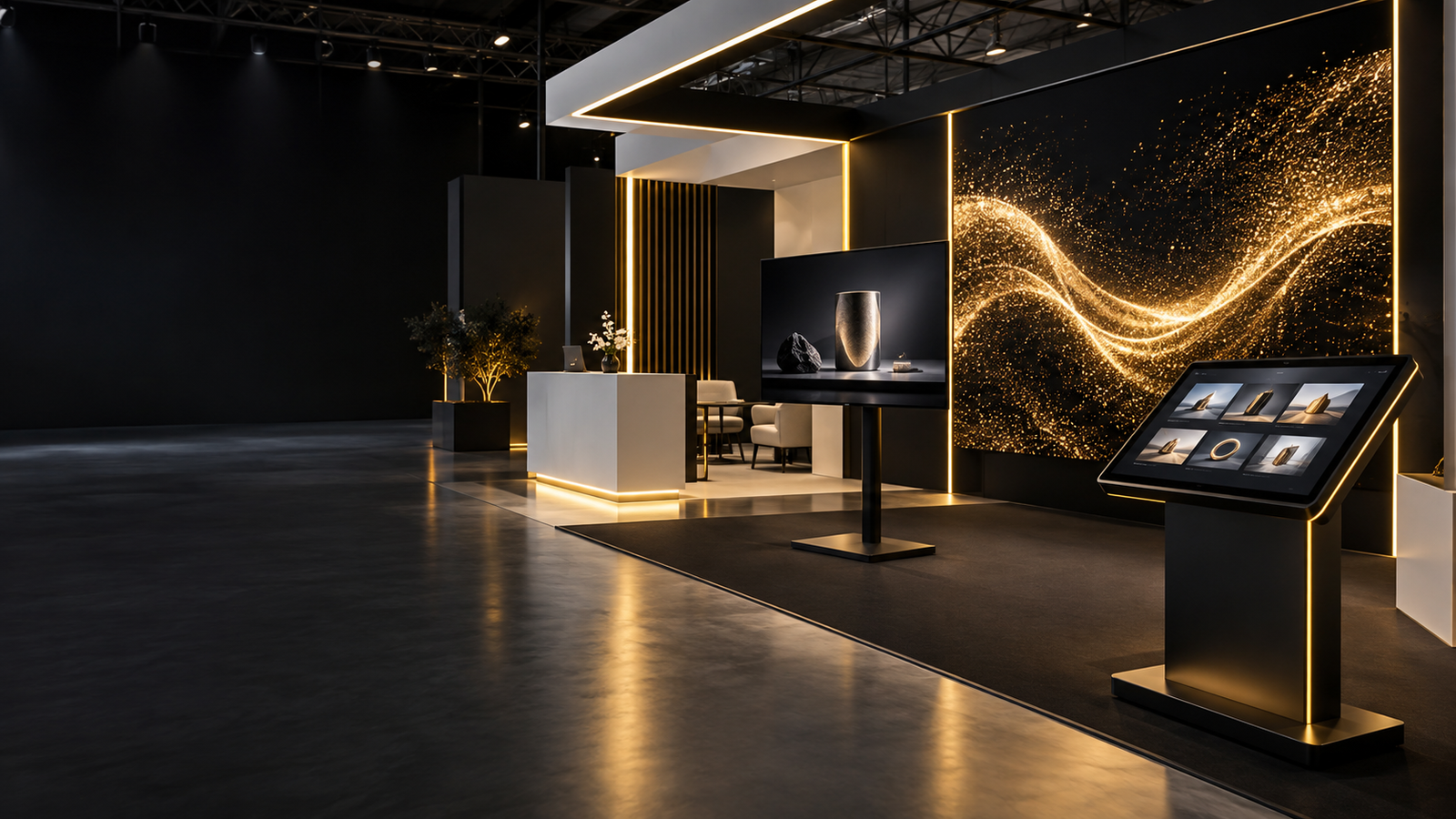
Choose a TV for presentations and video loops, an LED wall for a larger custom-size visual backdrop, and a touchscreen for visitor-controlled content. These options can also work together: a backdrop attracts attention while a smaller screen supports the conversation at the counter.
| Display | Best suited to | Check before booking | Main budget drivers |
|---|---|---|---|
| TV | Presentations, product videos and counter displays | Screen size, orientation, mounting and playback compatibility | Size, quantity, rental duration and installation scope |
| LED wall | Large brand backdrops and custom display proportions | Viewing distance, pixel pitch, actual resolution and support structure | Area, panel specification, processing, structure and crew |
| Touchscreen | Interactive catalogues, guided demos and visitor input | Usable content, computer, touch connection and mounting height | Size, computer, software/content and support scope |
Already have a layout? Send AVRIX your stand dimensions, event dates and content requirements for a suitable display recommendation and quotation.
When is a TV the right choice?
A TV is a sensible starting point when people will watch a presentation, a product film or a demonstration from a short distance. It gives you a defined screen shape and can be a straightforward fit for a meeting area, reception counter or product display.
Choose the size around the content
A large logo and a short product film are easier to read at a distance than a spreadsheet or software interface. If your sales team needs to show small labels, test the actual content from the position where a visitor will stand. The stand width alone does not tell you the right screen size.
Also allow for the bracket, screen depth, cable route and access for installation. A screen that fits the front elevation can still create problems if the wall has not been prepared to support it.
Test portrait videos on the actual display
Turning a screen vertically does not automatically rotate the video correctly. Confirm that the selected display supports the intended installation orientation, then check the content rotation and playback method.
During a recent Dubai Derma installation, we had to correct video rotation and re-encode files for playback on a vertically mounted Samsung display. The useful lesson is simple: a file playing on a laptop does not prove it will play through the TV’s USB player. Test the final files before delivery, including the loop, sound settings and restart behaviour.
When does an LED wall make sense?
An LED wall makes sense when the display needs to become part of the stand architecture: a wide backdrop, a taller brand surface or another shape built around available panel dimensions. It gives the designer more flexibility than a single fixed-size TV.
Match pixel pitch to viewing distance and detail
Pixel pitch is the distance between adjacent LED pixel centres, expressed in millimetres. A smaller pitch places more pixels into the same physical area. That can help with close viewing and finer content, but the final result also depends on the wall’s total pixel resolution and the source material.
Do not choose P1.9 or P2.6 from the label alone. Ask the supplier to confirm the finished dimensions and native pixel resolution, then review the smallest text in your content. A physically large wall is not automatically a 4K display.
Include the complete installation in the quote
The panels are only part of the system. Confirm the processor, playback source, support structure, power requirements, installation, dismantling and technical coverage. Electrical and structural requirements must be checked against the selected equipment and the event’s rules.
A lower per-square-metre rate is only useful when you know what it includes. Compare the full installed scope before comparing totals.
When is a touchscreen worth renting?
A touchscreen is worth considering when visitors need to choose, explore or enter information: browse a catalogue, select a product range, navigate a map or complete a form. If the content is only a looping video, a standard display may meet the brief.
Plan the interaction before ordering the hardware
A PDF can be displayed on a touchscreen, but a long brochure with tiny links may be awkward to use. Keep the opening screen simple, make the choices easy to tap and provide a clear way back to the beginning. Position the display so visitors can reach the controls comfortably without blocking the aisle.
Confirm whether the quote includes a suitable computer and the required connections. HDMI commonly carries the picture; many external touch displays also need a USB connection for touch input. Software, content preparation and lead-capture setup should be specified separately when required.
Separate offline interaction from online delivery
A locally installed catalogue or presentation can work offline if it has been built and tested that way. Live websites, cloud synchronisation and immediate email or online download delivery require a working connection at the relevant step.
A QR code is a link, not an internet connection. If it opens an online brochure, the visitor’s phone needs connectivity. If a personalised file must first be uploaded from the stand, the upload system needs connectivity too. Set that expectation before promising an instant handover.
Three ways to plan your exhibition display
These are planning examples, not fixed rental packages. Final sizes and equipment depend on your layout and content.
A compact stand with a product video
Start with a suitably sized TV, a secure mounting solution and a tested playback source. Keep the film understandable without sound if conversations will happen beside it. Use readable captions and avoid putting essential information in tiny text at the bottom.
A stand built around product demonstrations
Consider a touchscreen for browsing or a TV connected to the presenter’s laptop for a staff-led demonstration. The deciding factor is who controls the content. A visitor browsing alone needs a different interface from a salesperson explaining a complex product.
A larger stand with a strong visual backdrop
Consider an LED backdrop for the main visual message and a separate screen for detailed discussions. Let the backdrop carry bold imagery while the closer display handles the information visitors need to inspect.
What to check for the 2026 exhibition season
Do not copy last year’s venue into this year’s brief. GITEX GLOBAL 2026 lists its summit on 7 December and exhibition on 8–11 December at Dubai Exhibition Centre, Expo City Dubai. Check the official GITEX website and your exhibitor information before confirming delivery and installation arrangements.
For every event, confirm the venue, hall, stand number, build-up access and dismantling schedule. If your next project is in Abu Dhabi, our ADIPEC 2026 AV rental and exhibition support guide is a useful next read. You can also use the AVRIX UAE event calendar to start planning upcoming requirements, then verify arrangements with the organiser.
Planning specifically for the show? Read our complete GITEX GLOBAL 2026 AV rental in Dubai guide for practical guidance on LED walls, touchscreens, playback, power planning and technical exhibition support.
What should your screen rental quote include?
Send the same brief to every supplier so you can compare like for like. Include:
- Event name, venue, live dates and access schedule.
- Stand layout, screen location and intended viewing distance.
- Display size, quantity and orientation, or a request for advice.
- Content type and whether visitors or staff will control it.
- Mounting, computer/player, cables and internet requirements.
- Delivery, installation, dismantling and technician coverage.
- Hire period, exclusions and whether VAT is included or additional.
If you are a stand contractor managing several booths, send a screen schedule with a separate stand number and requirement for each. It makes allocation, delivery and collection easier to coordinate.
Frequently asked questions
Is a TV cheaper to rent than an LED wall?
For a modest single-screen requirement, a TV is usually the simpler, lower-cost starting point. Larger or multiple-display setups need a like-for-like quote. Compare the complete hire and installation scope rather than the screen price alone.
Does a rented touchscreen need a laptop?
It depends on the display and application. Some systems have a built-in computer; others need an external laptop or PC. Confirm the operating system, connections and whether the computer is included in the rental quote.
Can we use our existing video on any rental screen?
Not without checking it. The video’s aspect ratio, orientation, resolution and encoding must suit the display and playback device. A custom LED wall may need a different content canvas from a standard widescreen TV.
How much does exhibition screen rental cost in Dubai?
The cost depends on the display, quantity, duration and installation requirements. Share your event dates, stand layout and content brief for an itemised quotation. A dry-hire price and a fully installed event package cover different work.
Send your layout. We will help you choose the display.
You do not need to finalise the equipment list before speaking to us. Send the event name, dates, venue, stand dimensions and what you want visitors to see or do. AVRIX can help you work through the options and quote for the agreed scope, subject to availability.
Request an exhibition display quote or send your stand requirements on WhatsApp.
AVRIX is the AV rental and sales division of Stedder Technology Trading Co. LLC.
Event dates, access schedules and technical requirements may change. Always confirm final information with the official organiser and venue.